Quick Start with SL2600 Series
These are self-guided beginner tutorials that will give you hands-on experience and code examples for running edge AI models spanning vision, speech, and even large language models.
Please note that the examples listed below are new and evolving quickly. Check back frequently for updates.
These examples are designed to work with Astra Machina SL2619 Dev Kit. All examples leverage the NPU.
Prerequisites
Before we dive into Edge AI development, you need to make sure you have:
-
Astra Machina SL2610 Dev Kit (Buy one here)
-
Hardware setup ready (Follow guide here).Follow the guide to boot your board and open a terminal.
The Torq Edge AI Platform enables NPU-accelerated model inferencing. Torq is based on the open-source MLIR/IREE compiler and runtime. You can write applications in C/C++ or Python and leverage the IREE runtime. To learn more about Torq, visit the Torq Compiler User Manual
Explore the Out of Box Experience (OOBE) Applications
When you buy a Astra Machina SL2610 Dev Kit from distribution, it's already programmed with a OOBE SDK Image. You can explore the capabilities of Astra in the Applications user interface.
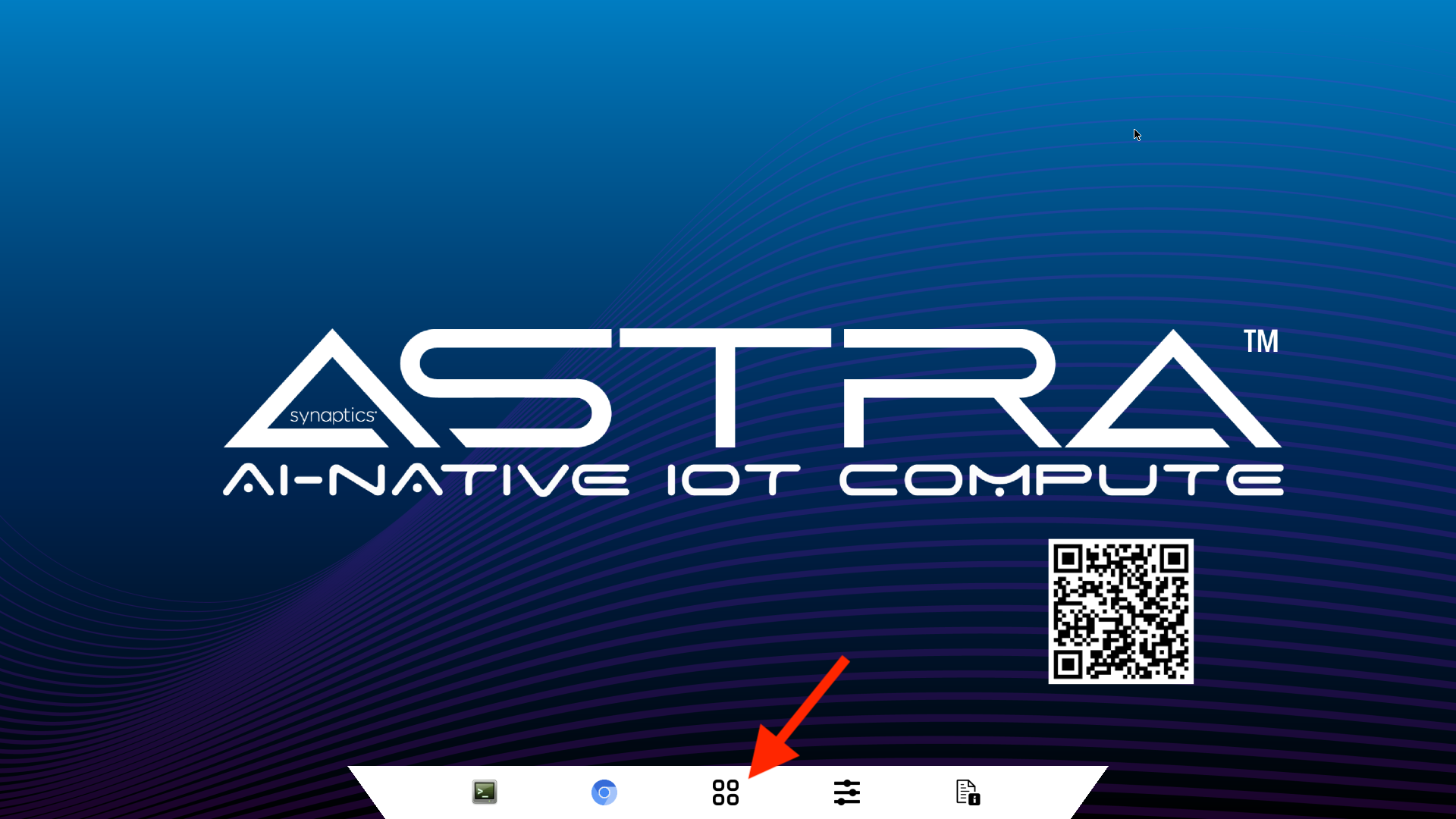
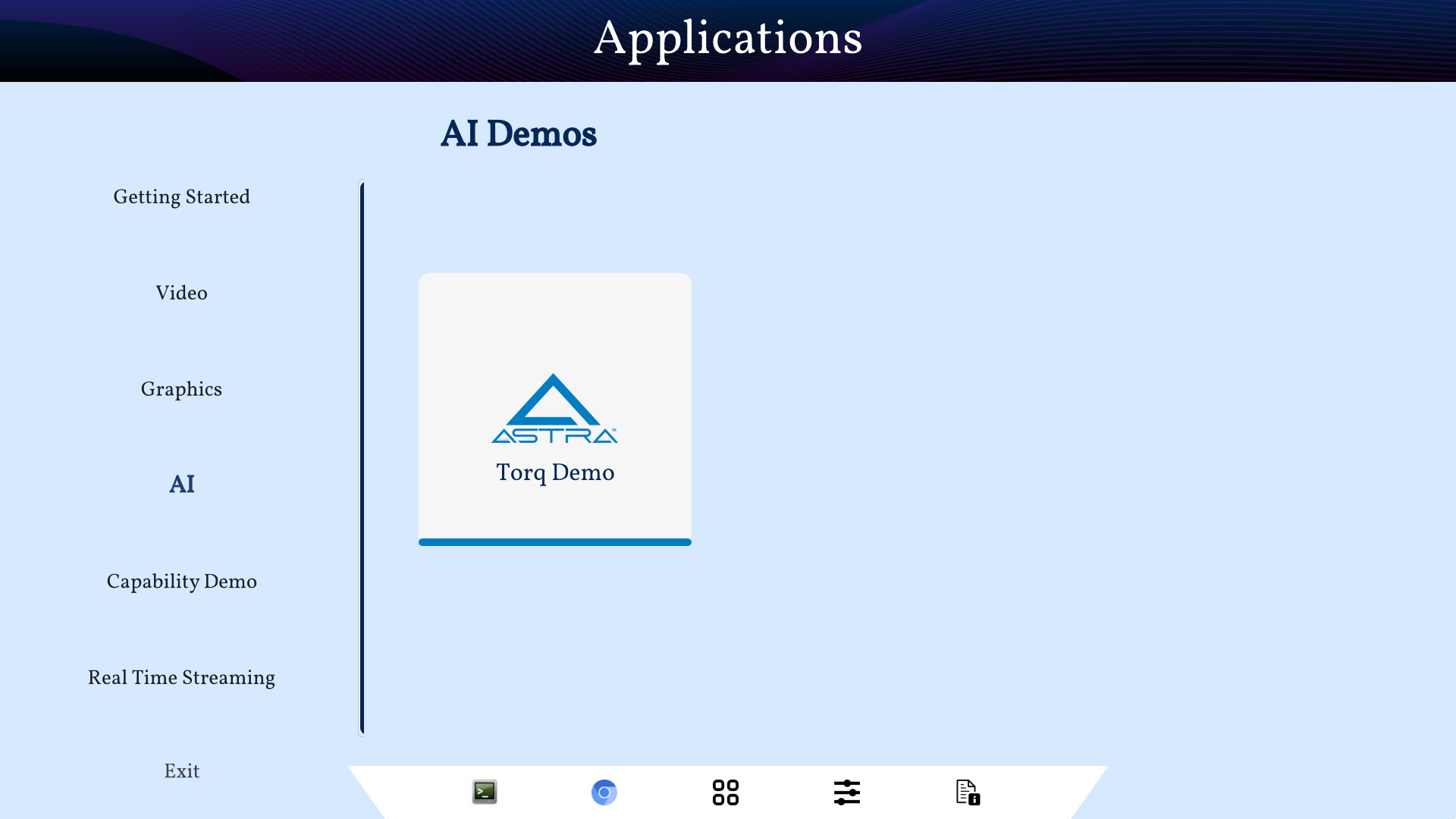
OOBE Applications
- Getting Started & Video
- Video playback with CPU and memory utilization
- Graphics
- Interactive graphics applications
- AI
- Image Classification using NPU or CPU
- Object Detection using NPU or CPU
- Capability Demo
- Video playback along with live camera feed
- Real Time Streaming
- Connect a USB Camera and stream the video through a web socket
Edge AI Development Software Examples Setup
All the examples below are Python-based, so before proceeding you need to set up the necessary libraries and packages. The OOBE SDK Image already has essential packages like pip, python3, and the iree runtime pre-installed.
Clone the Examples GitHub repository and Navigate to the Repository Directory:
git clone https://github.com/synaptics-astra-demos/sl2610-examples
cd sl2610-examples
Set up your Python environment ensuring all required dependencies are installed within a virtual environment. Note that python3 must be called and not python.
python3 -m venv .venv --system-site-packages
source .venv/bin/activate
Install the dependencies.
pip install -r requirements.txt
Set up the display environment (required for visual output).
export XDG_RUNTIME_DIR=/var/run/user/0
export WAYLAND_DISPLAY=wayland-1
Now check out the examples for Image Classification and Object Detection.