Object Detection
Object Detection is a technique that helps computers find and label multiple objects in an image, like detecting people, cars, or animals in a photo. Whereas Image Classification associates a single label with a whole image, Object Detection uses bounding boxes around individual objects in an image. This makes tracking the position and behavior of objects in a scene possible.
YOLO (You Only Look Once) models
YOLO model, which stands for "You Only Look Once," is a type of computer vision model used for real-time object detection, where it identifies and locates objects within an image by processing it in a single pass, meaning it only needs to "look" at the image once to detect objects within it, making it very fast compared to methods that require multiple passes.
YOLO was originally created by Joseph Redmon in 2016, later transitioning to a community model with significant contributions by Ultralytics, their latest version being YOLO11.
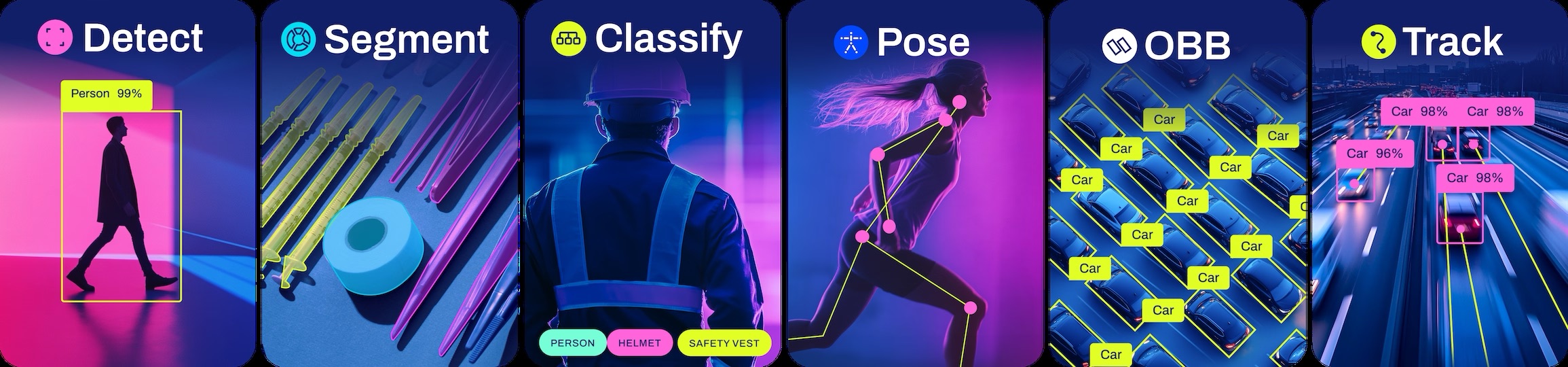 Source: Ultralytics
Run Object Detection on Astra
This assumes you are familiar with setting up your Astra board. If not, please refer to the setup tutorial.
The Quick guide is compatible with all Machina SL16xx boards with OOBE image with pip and python pre-installed and optimization tailored to:
NPU for SL1680 and SL1640
GPU for SL1620
To run the example on Astra, first you need to run through the Prerequisites which downloads the GitHub Examples Repo on your board.
Now, once Prerequisites are done, with a USB webcam plugged into your Machine board, you can take a picture with:
python -m utils.photo
You can now run inference on the captured photo:
python -m vision.object_detect 'out.jpg'
You should see a result in the form of:
Starting Object Detection Stream.
{
    "items": [
        {
            "confidence": 0.5889615416526794,
            "class_index": 0,
            "bounding_box": {
                "origin": {
                    "x": 332,
                    "y": 145
                },
                "size": {
                    "x": 220,
                    "y": 245
                }
            },
            "landmarks": []
        }
    ]
}
Inference Time: 64 ms
Run Body Pose on Astra
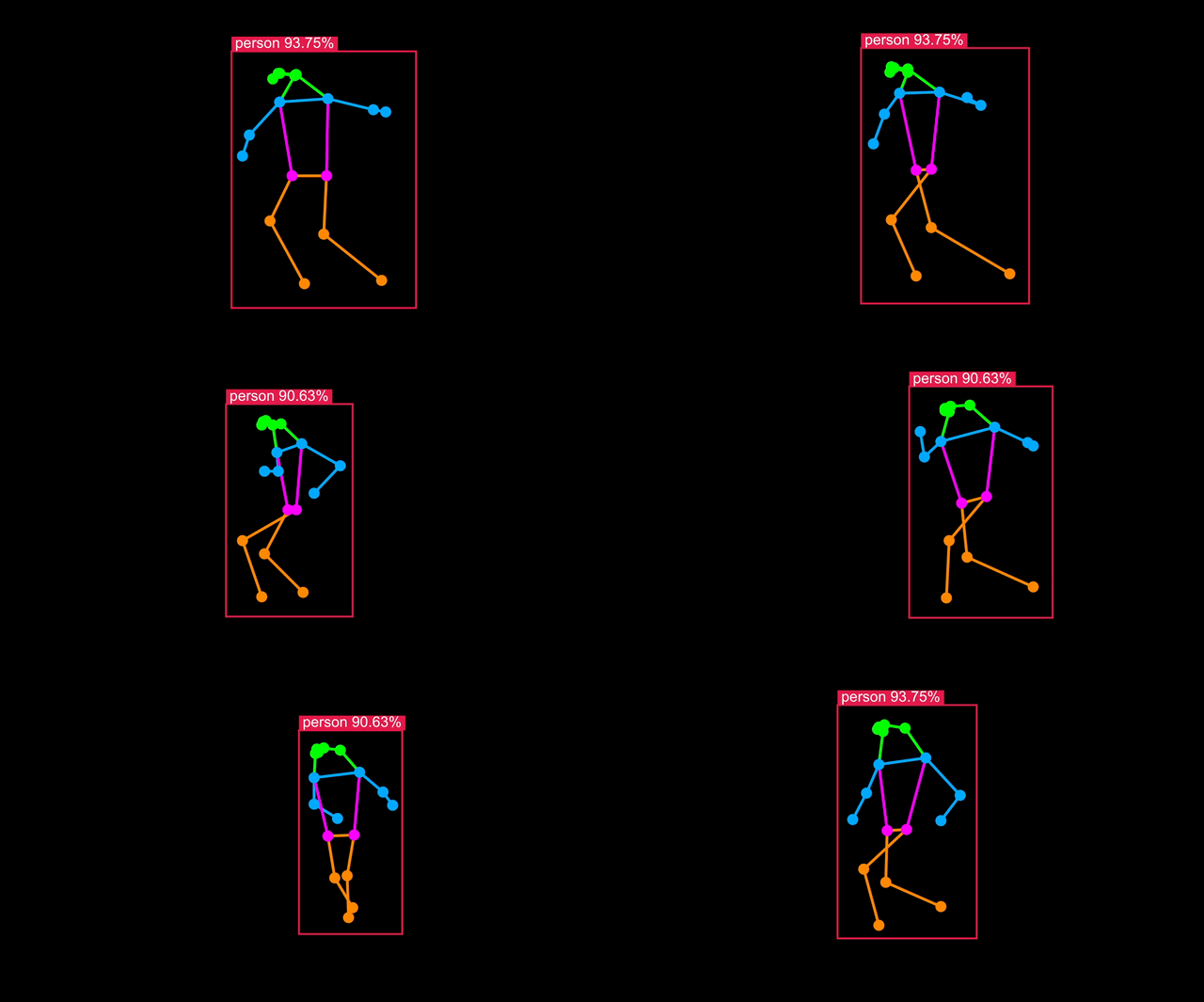
Body Pose models are a variation of Object Detection trained including body landmarks available in datasets such as COCO-Pose.
An example is also installed on your board. With a USB camera attached, you can run it with:
python -m vision.body_pose 'cam'
This will start the application server on the board, in the next section you will connect your browser to the board and see the result in real-time.
Visualize live results
You can connect to your Astra Machina board running the example and visualize the results live in a web page served from the board. Follow the instructions in the terminal - you can either view the web page on your development machine, or in Chromium on Astra:
(.venv) root@sl1680:~/examples# python -m vision.body_pose 'cam'
Starting WebSocket server on port 6789
WebSocket server started.
Open your web browser at http://192.168.50.50
Python walkthrough
The Python example above uses the SynapRT package to perform NPU accelerated inference directly from Python. Let's walk through the code ./examples/video_steam.py to give you a flavor of how it works.
Learn more about SynapRT here in SynapRT GitHub The start of the example imports this package:
from synapRT.pipelines import pipeline
Next, we instance a SynapRT pipeline with the task set to object-detection and the model was set to one of the optimized YOLOv8s models preinstalled on the board:
    pipe = pipeline(
        task="object-detection",
        model="/usr/share/synap/models/object_detection/coco/model/yolov8s-640x384/model.synap",
        profile=True,
        handler=handle_results,
    )
The pipeline is then started, passing the command line parameter as the input:
pipe(sys.argv[1])
You can find a tutorial on compling YOLO for Synaptics Astra NPU.