
Quick Start with SL2600 Series
These are self-guided beginner tutorials that will give you hands-on experience and code examples for running edge AI models spanning vision, speech, and even large language models.
Prerequisites
Before we dive into Edge AI development, you need to make sure you have one of the following kits:
- Astra Machina SL2610 Dev Kit (Buy Now)
- Coralboard SL (Buy Now)
- Coralboard Google I/O Edition (Limited quantities distributed at Google I/O 2026)
Follow the getting started guides for each individual kit:
The Torq Edge AI Platform enables NPU-accelerated model inferencing. Torq is based on the open-source MLIR/IREE compiler and runtime. You can write applications in C/C++ or Python and leverage the IREE runtime. To learn more about Torq, visit the Torq Compiler User Manual
Explore the Out of Box Experience (OOBE) Applications
The Astra SDK OOBE Images include several bundled examples. You can explore the capabilities of Astra in the user interface.
The OOBE applications require a connected display. Connect a display to the HDMI port on the Machina kit, or connect a MIPI DSI touchscreen to either the Machina kit or the Coralboard.
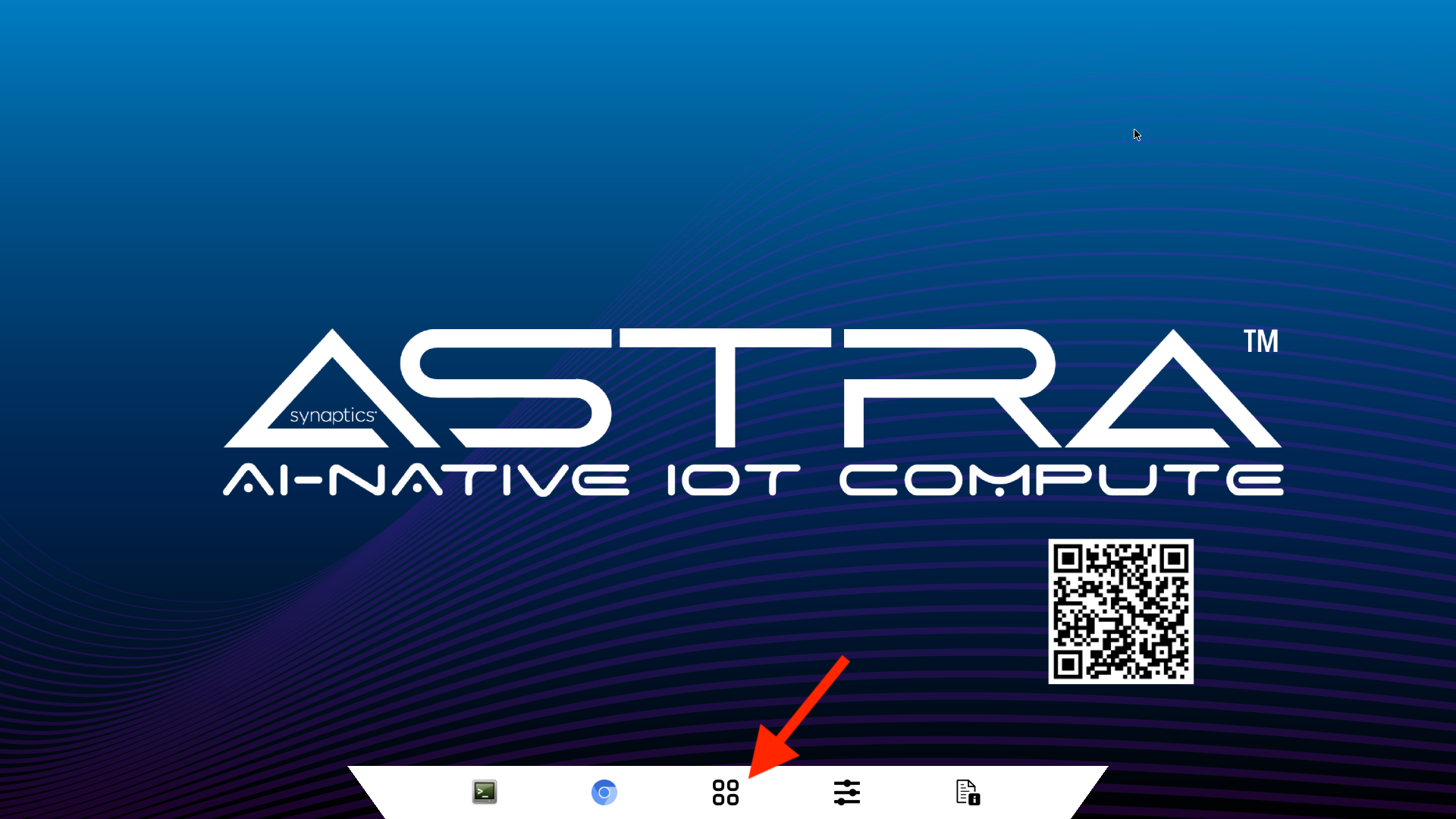
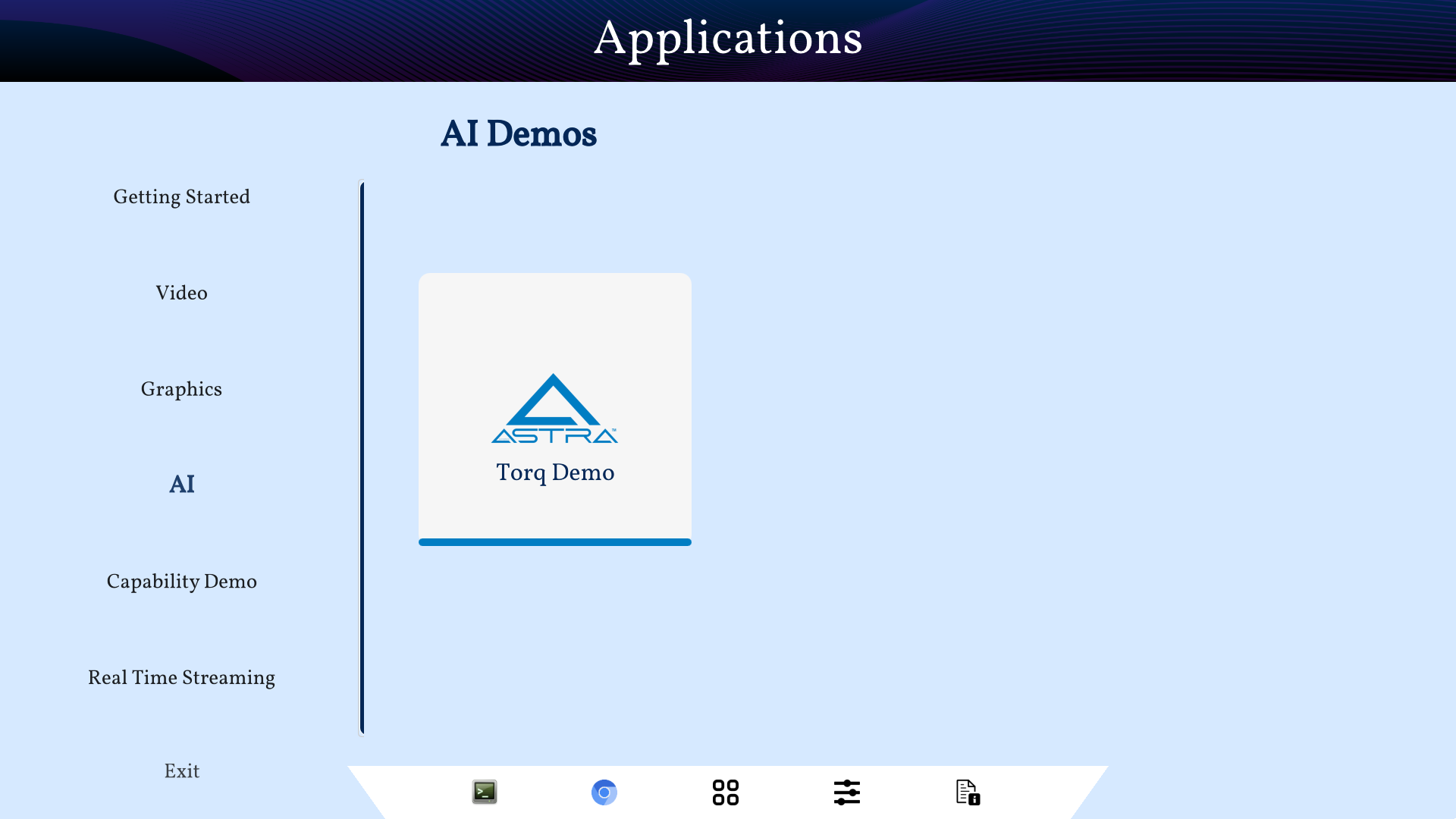
OOBE Applications
- Getting Started & Video
- Video playback with CPU and memory utilization
- Graphics
- Interactive graphics applications
- AI
- Image Classification using NPU or CPU
- Object Detection using NPU or CPU
- Capability Demo
- Video playback along with live camera feed
- Real Time Streaming
- Connect a USB Camera and stream the video through a web socket
Explore Edge AI Examples from GitHub
All the examples below are Python-based, so before proceeding you need to set up the necessary libraries and packages. The Astra SDK OOBE Image already has essential packages like pip, python3, and the iree runtime pre-installed.
Clone the Examples GitHub repository. Navigate to the repository directory.
git clone https://github.com/synaptics-astra-demos/sl2610-examples
cd sl2610-examples
Set up your Python environment ensuring all required dependencies are installed within a virtual environment. Note that python3 must be called and not python.
git submodule update --init --recursive
python3 -m venv .venv --system-site-packages
source .venv/bin/activate
Install the dependencies.
pip install -r requirements.txt
Set up the display environment (required for display output).
export XDG_RUNTIME_DIR=/var/run/user/0
export WAYLAND_DISPLAY=wayland-1
Check out the examples: